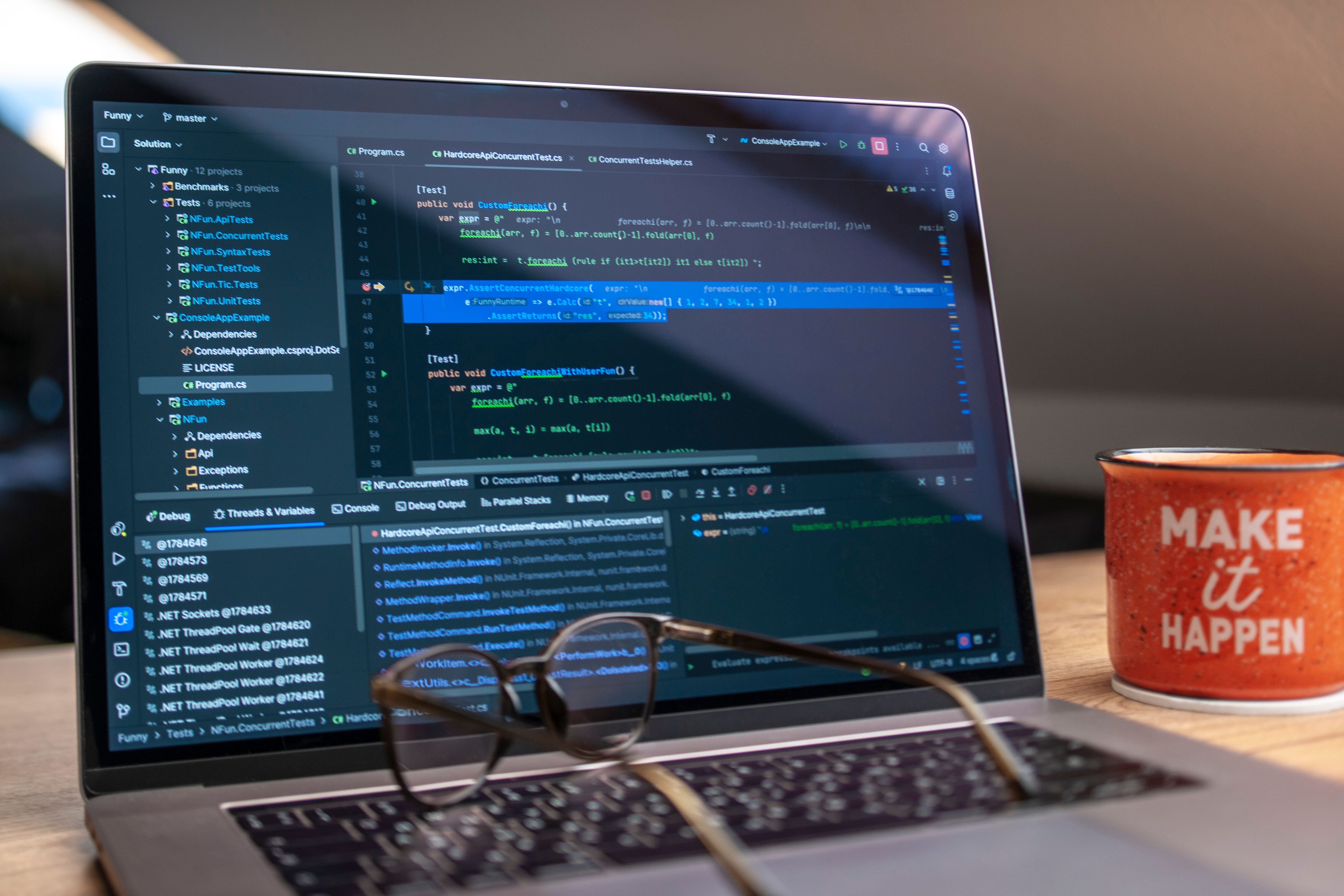


Two students. Same degree. Same marks. One walks into campus placements and answers every HR question about AI with "I've heard of it." The other opens her laptop, shows three AI-powered projects she built, and walks out with an offer letter.
The difference? Tools. Specifically, knowing which AI tools exist, what they do, and how to use them meaningfully. This blog is a practical guide to the tools that will actually make you more employable and more prepared for what's coming.
Category 1: AI Tools for Learning and Productivity
ChatGPT (OpenAI)
A conversational AI that can explain concepts, help you code, summarize articles, and assist with writing.
- Best for: Understanding complex topics, generating practice questions
- Cost: Free (GPT-3.5), Paid (GPT-4)
Claude (Anthropic)
An AI assistant known for thoughtful, nuanced, and detailed responses — particularly strong at analysis and writing.
- Best for: Writing assignments, research summarization, complex problem-solving
Perplexity AI
An AI-powered search engine that gives cited, conversational answers rather than just links — perfect for academic research.
Notion AI
AI integrated into the Notion productivity app. Best for structured notes, organizing study materials, and summarizing lecture content.
Category 2: AI Coding and Development Tools
GitHub Copilot
An AI pair programmer that suggests code as you type. You write a comment explaining what you want, and it writes the code.
- Cost: Free for students via GitHub Student Developer Pack
Google Colab
A free, cloud-based Python notebook environment with GPU access — no installation needed. Every AI student in India should have this bookmarked.
- Cost: Free (Pro plan for more GPU time)
Hugging Face
A platform hosting thousands of pre-trained AI models across NLP, computer vision, and audio. Think of it as the GitHub of AI models.
Kaggle
A platform for data science competitions, free datasets, and notebooks. This is where AI careers are quietly built. Even participating in a beginner competition tells recruiters you've applied ML to a real problem.
Category 3: AI Tools for Creative and Communication Tasks
Canva AI
Design platform with AI-powered image generation and presentation tools. Can generate slide decks from a topic prompt in minutes.
Grammarly / QuillBot
AI-powered writing assistants that improve grammar, tone, clarity, and paraphrasing. In placement season, the quality of your written communication matters more than most students realise.
Category 4: AI Tools for Building Projects
These are the tools that will matter in your interviews:
- Scikit-learn — Classic ML algorithms (regression, classification, clustering)
- TensorFlow / Keras — Deep learning framework by Google
- PyTorch — Deep learning framework by Meta (research, NLP, computer vision)
- OpenCV — Computer vision library (image processing, face detection)
- spaCy / NLTK — NLP libraries (text processing, chatbots)
- Streamlit — Build AI web apps fast (turn your ML model into a live demo)
Your AI Tools Action Plan
- This week: Sign up for ChatGPT, Google Colab, Kaggle, and Hugging Face. All free.
- This month: Complete one Kaggle beginner notebook. Run your first ML model on Colab.
- Next 3 months: Build one small project using at least three coding tools above. Deploy with Streamlit.
- Placement season: You now have a portfolio, know the tools, and can speak intelligently about AI in every interview.
Tools are more powerful when you have the foundational knowledge to use them properly. At CPLC, our AI Mastery course teaches you the concepts and the tools together — in the context of real projects — with trainers who work in the industry.
Frequently Asked Questions
If you're just getting started, focus on tools that help you learn, code, and build projects. ChatGPT, Google Colab, Kaggle, Hugging Face, GitHub Copilot, Canva AI, and Notion AI are all excellent choices. Together, these AI tools for students can help you study more effectively while developing practical skills that employers value.
Absolutely. ChatGPT can do much more than provide quick answers. It can simplify difficult concepts, generate quizzes, help with coding, summarise lengthy notes, and even assist with project ideas. The better your prompts, the more useful the responses become. Learning to use ChatGPT for students effectively can make studying much more productive.
Recruiters are often more interested in what you've built than what you've memorised. Creating projects shows that you can apply your knowledge to solve real problems. Even a few well-documented projects can help you stand out during interviews. That's why AI project portfolio development has become an important part of preparing for placements.
Yes. Google Colab runs entirely in your browser, so you don't need to install Python or configure your computer before getting started. It's an easy way to write code, train machine learning models, and experiment with datasets. For many beginners, Google Colab for beginners is the simplest way to start learning AI.
Kaggle is an online platform where you can explore datasets, practise data analysis, and participate in machine learning competitions. It also offers notebooks shared by experienced professionals, making it a great place to learn from real-world examples. Building experience with Kaggle machine learning projects can strengthen both your skills and your resume.
If you're planning to build AI applications, start with libraries that are widely used in the industry. Scikit-learn is great for machine learning basics, while TensorFlow and PyTorch are commonly used for deep learning projects. OpenCV and spaCy are also useful for computer vision and natural language processing. Learning these Python AI libraries will prepare you for a wide range of projects.
Begin with small, practical projects instead of waiting until you feel like an expert. Use free tools to build simple applications, upload your work to GitHub, and keep improving each project as your skills grow. Over time, you'll have a portfolio that demonstrates your learning journey. Building an AI portfolio for placements can give you an advantage during internships and job interviews.